
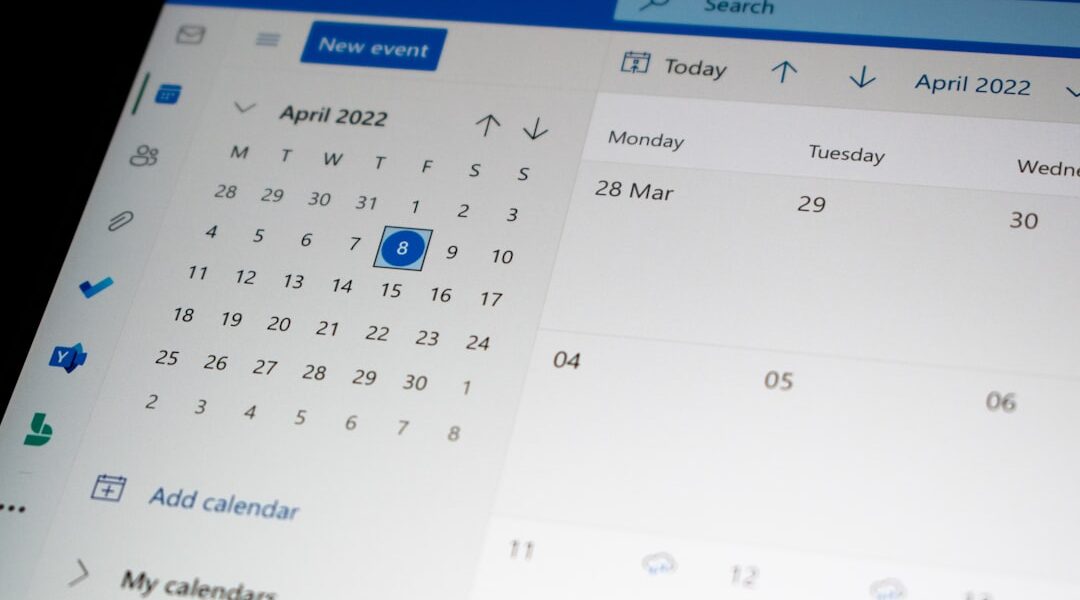
Fruitask Calendar: Revolutionizing Event Management
In today’s fast-paced world, effective scheduling plays a crucial role in our productivity and time management. Introducing Fruitask Calendar, a full-featured scheduling calendar designed for events, meetings, reminders, and public booking, built directly into your workspace. The best part? It’s easily shareable with your team, making collaboration more seamless than ever.
Overview
The Fruitask Calendar empowers users to create and manage events efficiently, providing versatile views including day, week, and month. Whether you’re planning one-off events or setting up recurring meetings, Fruitask Calendar offers tools that allow you to carry reminders, invite attendees, host online meetings, and even accept public bookings from stakeholders outside your workspace. Privacy options are available as well; you can keep your calendars private, share them with collaborators, or connect them to external calendars.
Key Capabilities
Events
- Create detailed events including a title, description, location, date/time, and color.
- Manage both all-day events and timed events set with specific start and end times.
- Add an image cover to your event: attach up to 4 media files (images, GIFs, or videos) via upload or link, with each file allowed up to 50 MB. Events with images appear as enticing cards in the calendar.
- Utilize categories to group and color-code events (e.g., Meeting, Personal), including categories shared from other calendars.
- Manage visibility settings: choose from public, private, or busy.
- Link an event to a Fruitask Note for greater contextual clarity.
Recurrence
- Set events to repeat daily, weekly, monthly, or yearly, with customizable intervals (e.g., every 2 weeks).
- Weekly events can be tailored to target specific days of the week.
- Optionally, end a series on a specific date or after a predetermined number of occurrences.
- Conveniently cancel or reinstate a single occurrence without affecting the entire series.
Reminders & Attendees
- Add reminders that trigger a set number of minutes before the event, delivered via notification, email, or both.
- Invite attendees through email or select from workspace collaborators; they can respond to your invitation with Accepted, Declined, or Tentative options, while the organizer is tracked automatically.
Online Meetings
- Toggle the online meeting option to auto-generate a Fruitask Meet link or attach a link from another meeting provider like Google Meet, Zoom, Teams, or a custom URL.
Public Booking
- Transform your calendar into a public booking page that allows individuals to self-schedule into available time slots. Set options such as available hours, buffer time, daily booking limits, and weekend rules.
- Collect details from bookers alongside custom intake questions; bookings appear as events that you can confirm, cancel, or complete.
Sharing & Sync
- Share calendars with collaborators as Viewer, Editor, or Admin based on their needs.
- Import events from .ics/iCalendar files effortlessly.
- Connect to Google Calendar for synchronization of events if desired.
- Enjoy a timezone-aware feature wherein events are stored with designated time zones to display times accurately across various regions.
Where to Find It
Open the Calendar from your workspace navigation. Easily switch between the day, week, and month views—just click a time slot or the “New event” action to create, and click on any existing event to view or edit it.
Requirements & Access
- Must be signed in and part of the workspace that owns the calendar.
- Creating or editing events requires Editor or Admin access; Viewers can only see events without making changes.
- Public booking pages and shared calendars can be accessed by outside guests via their links.
Limits & Notes
- Cover media: a maximum of 4 files per event, each file can be up to 50 MB; only images, GIFs, and videos are accepted.
- Cover files are saved to your account storage.
- Ensure an event’s end time occurs after its start time.
- Reminder emails require proper email delivery settings to be configured for the calendar/workspace.
Tips
- Utilize categories and colors to enhance the scannability of a busy calendar at a glance.
- Add a cover image to important events (like launches or webinars) to make them stand out.
- For client scheduling, publish a booking page instead of conducting lengthy email exchanges.
The Fruitask Calendar integrates remarkable features with user-friendly functionality. It’s set to transform not just how you organize events, but also how you collaborate with your team and connect with external stakeholders. Unlock the potential of your scheduling with Fruitask Calendar today!
