
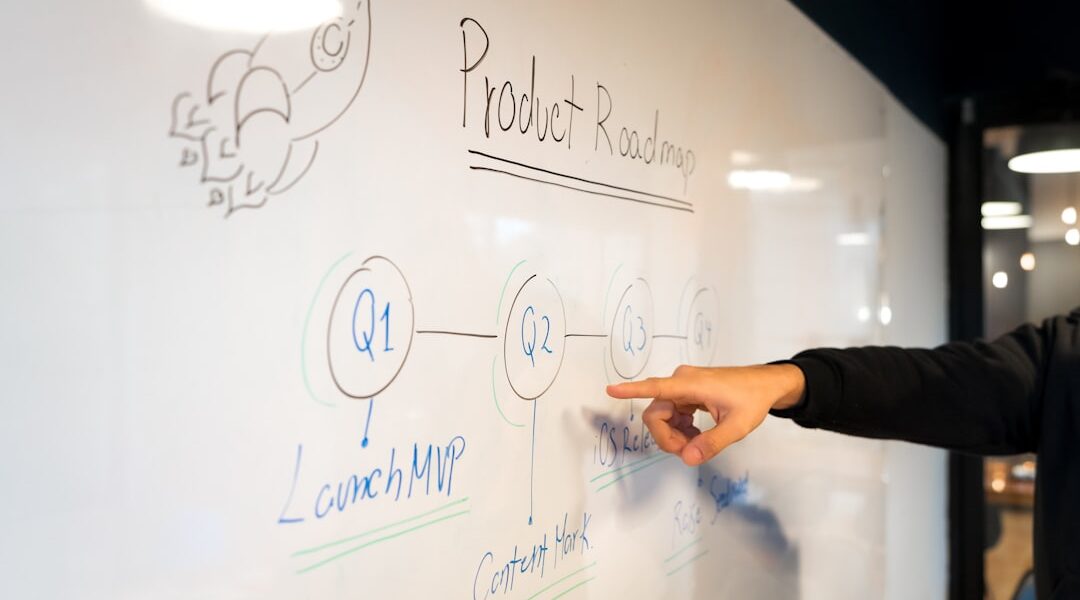
Fruitask Board: Your Infinite Canvas for Visual Planning
Welcome to the future of brainstorming and visual planning with Fruitask Board. This innovative freeform whiteboard and canvas empower users to sketch ideas, create diagrams, and engage in collaborative brainstorming sessions like never before. With a plethora of tools at your disposal, various styling options, and the capability to harness AI-generated diagrams, Fruitask Board revolutionizes the way you visualize concepts and workflows.
Overview
Fruitask Board is essentially an infinite canvas that allows you to freely express your creativity. Whether you’re looking to build intricate flowcharts, arrange visual layouts, or jot down your thoughts, this tool makes it easy to bring your ideas to life. You can draw freehand, place shapes and text, connect elements with intelligent connectors, and even integrate images into your designs. Plus, sharing your board is as simple as generating a public link. Thanks to its remarkable AI assistant, you can turn plain language prompts into ready-made diagrams, streamlining your creative process immensely.
Key Capabilities
Tools
The toolbox equipped with Fruitask Board offers a variety of features designed to enhance your user experience:
- Select and move, resize, or rotate objects effortlessly.
- Draw using a freehand brush or straight line; customize the width, color, and dash gap to fit your design.
- Textbox allows you to add text, complete with control over size and color.
- Shape options include rectangles, circles, triangles, and multiple styles with fill and outline customization.
- Connector helps link items with curved or orthogonal routing, and offers solid/dashed lines, as well as various endpoint styles. A Quick connect mode accelerates the creation of wiring diagrams.
- Paste image using drop functionality to integrate images into your canvas seamlessly.
Styling & Layout
Your visual content deserves to look great. The Fruitask Board provides sophisticated styling and layout options:
- An Inspector panel for fine-tuning selected objects, including options for color, text, fill, outline, routing style, line/end style, and rotation.
- Set a custom board background color to make your canvas pop.
- Flip, rotate, and accurately size your objects for unmatched precision.
AI Diagramming
Let Fruitask’s AI transform your brainstorming process:
- Simply describe what you want in clear language and let the AI generate a diagram for you. It can assemble nodes, shapes, labels, and connectors, automatically laying them out—ideal for flowcharts and process maps.
Sharing
Collaboration is made easy with Fruitask Board:
- You can manage multiple boards seamlessly within your workspace.
- Publish any board with a public link so others can easily view it.
- Board settings allow you to rename, configure, and delete boards as needed.
Where to Find It
Getting started with Fruitask Board is a breeze. Simply open the Board option from the workspace navigation, create a new board, and utilize the toolbar which includes options for Select, Draw, Textbox, Shape, Connector, and Paste Image. For styling a selected item, you can access the Inspector, while Board Settings lets you manage your public link.
Requirements & Access
To utilize the Fruitask Board, here are a few essential requirements:
- You must be signed in and have a membership in the workspace.
- AI diagram generation either uses Fruitask-provided AI credits or your personal API key.
- This tool offers a public link, making the board viewable to anyone possessing the link.
Limits & Notes
As with any tool, there are some limitations to keep in mind:
- Public links are limited to view-only access; editing rights are reserved for members within the workspace.
- While AI generates the structure and labels, you have the flexibility to refine layout and styling manually afterwards.
Tips for Effective Use
Maximize your productivity with these helpful tips:
- Utilize Connectors with orthogonal routing for clean, organized flowcharts and organizational charts.
- Start your diagram with the assistance of AI, then refine it manually to save time and enhance visual clarity. This approach is far quicker than positioning each element individually.
In conclusion, Fruitask Board opens up limitless opportunities for creativity and collaboration. As a powerful tool for visual planning and brainstorming, it is designed to boost productivity while making the collaboration process enjoyable. Whether you’re a project manager, educator, designer, or anyone in between, the intuitive features of Fruitask Board can enhance the way you create, share, and execute your ideas. Discover the benefits today and turn your thoughts into visual reality!
