
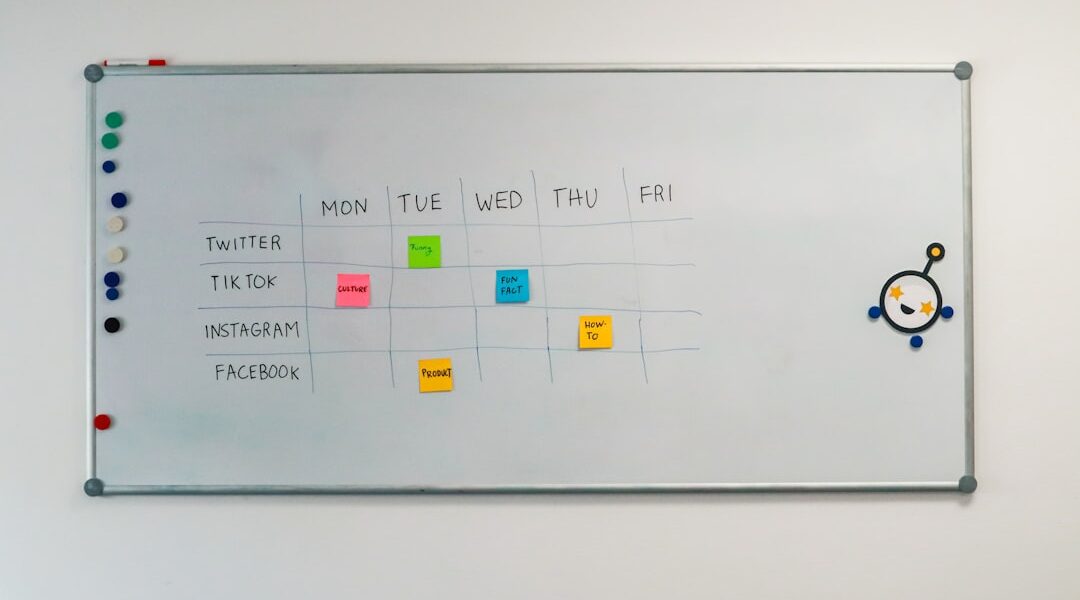
Discover the Power of Fruitask Board
Welcome to the world of Fruitask Board, your ultimate freeform whiteboard and canvas designed for diagrams, brainstorming, and visual planning. With an array of tools at your fingertips, you can sketch ideas, create flowcharts, and arrange visuals with ease. Let’s dive into the features that make Fruitask Board an indispensable tool for both personal and collaborative projects.
Overview
Fruitask Board offers an infinite canvas where creativity knows no bounds. Whether you want to express thoughts through sketches, develop diagrams, or assemble intricate flowcharts, this platform empowers you to bring your ideas to life. The user-friendly interface allows you to draw freehand, drop shapes and text, connect items with intelligent connectors, and paste images effortlessly. The ability to share your board via a public link enhances collaboration with team members and stakeholders. Moreover, the built-in AI assistant is a game changer, capable of transforming your written prompts into well-structured diagrams.
Key Capabilities
Tools
- Select and move, resize, or rotate objects to fit your design needs.
- Draw using either a freehand brush for creative expression or a straight line for precision, with adjustable width, color, and dash gaps.
- Textbox functionality allows for easy text integration, complete with size and color control for clear communication.
- Shape options include rectangles, squares, circles, triangles, and more, each with customizable fill and outline styling.
- Connector tools enable you to link items with curved or orthogonal routing, select endpoints (arrow, circle, none), and customize line styles and labels. The Quick connect mode streamlines wiring diagrams for efficiency.
- Paste image: Effortlessly drop images onto your canvas to enrich your diagrams.
Styling & Layout
- Utilize the Inspector panel to fine-tune selected objects with options including color, text styles, fill and outline, and routing styles.
- Set a vibrant board background color to enhance visibility and design aesthetics.
- Take advantage of editing tools to flip, rotate, and size objects precisely.
AI Diagramming
The AI diagramming feature is particularly noteworthy. By simply describing what you want in plain language, the AI generates a diagram that includes nodes, shapes, labels, and connectors, all laid out automatically. This is especially beneficial for creating flowcharts and process maps, dramatically reducing the time and effort needed to get started on complex diagrams.
Sharing and Collaboration
Managing multiple boards within your workspace is straightforward with Fruitask Board. You can easily publish a board through a public link, allowing others to view your work without the need for editing permissions. The board settings enable you to rename, configure, and delete boards as necessary, ensuring everything stays organized and relevant.
Access Requirements
- Users need to be signed in and designated as members of the workspace to create and edit boards.
- The AI diagram generation feature relies on either Fruitask-provided AI credits or your own API key for enhanced functionality.
- Boards shared via public links remain viewable by anyone with the link, promoting transparency while keeping editing rights reserved for workspace members.
Usage Limitations and Important Notes
- Public links are view-oriented, meaning that those accessing the board through the link cannot make edits; only workspace members have editing capabilities.
- While the AI generates the structure and labels of the diagrams, users can still refine the layout and styling manually to achieve their desired look.
Tips for Effective Use
- Utilize Connectors with orthogonal routing for clean and professional-looking flowcharts and organizational charts.
- Consider starting a diagram with the help of the AI feature, and then make manual adjustments. This approach is often faster than manually placing every component.
Conclusion
Fruitask Board is not just a tool; it’s a versatile platform that caters to the needs of innovators, educators, teams, and anyone looking to translate their thoughts into visual formats. With its robust feature set, ease of use, and collaboration capabilities, it opens up a world of possibilities for effective communication and planning. Whether you’re brainstorming ideas, mapping out a project, or simply looking to organize your thoughts visually, Fruitask Board is the solution you’ve been looking for. Start harnessing the power of visual planning today!
